Live, Not Pre-Recorded
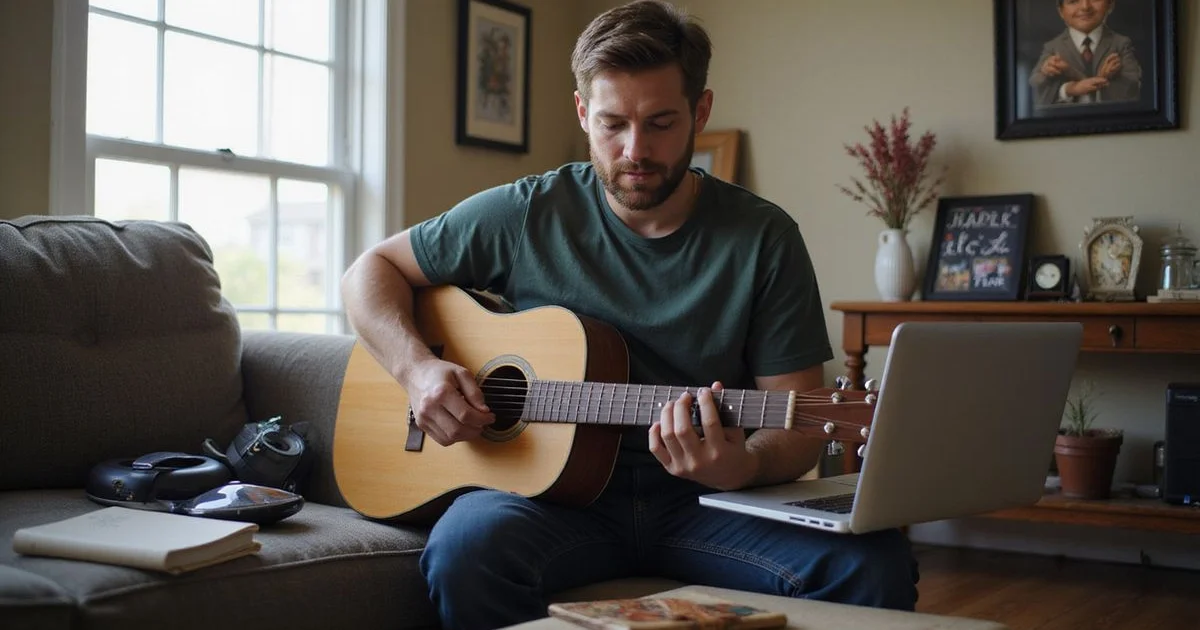
Online guitar lessons here are a live one-on-one video session with a teacher watching you play. That’s a different product from a subscription video library, and the difference is the entire point. Someone can see the specific fault in your hands and correct it while you’re doing it.
Same sequenced curriculum as in-person lessons, same applied theory, same instructor, same price.
Your Setup
Less than people expect.
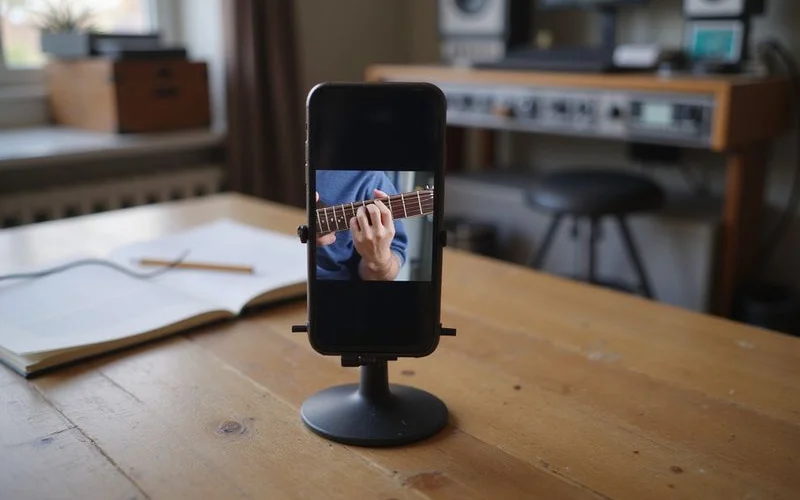
A device with a camera. Laptop, tablet, or phone. Any of them work.
Something to prop it up. A stand, a stack of books, a phone mount. Anything stable.
A stable connection. Ordinary home internet is fine.
Your guitar. That’s the list.
The one thing worth getting right is the camera angle. One view that shows both hands, roughly from the side, with the guitar across the frame, is far more useful than a well-lit shot of your face. Ninety seconds of adjusting on the first call solves it permanently.
You don’t need an audio interface, a microphone, or special software. The audio quality that matters for teaching is well below recording quality.
If you can only fix one thing
Fix the angle, not the audio. Being able to see your fretting hand is what makes remote teaching work.
How a Session Runs
Internet lag makes playing in perfect unison impractical, so lessons alternate rather than overlap. You play a passage; the teacher watches and listens; then a slow demonstration with the camera on the hands. In practice this changes the rhythm of a lesson slightly and costs nothing in teaching quality, much of an in-person lesson works the same way anyway.
Tabs, chord charts, and fretboard diagrams get screen-shared during the session and saved with your notes.
What You Get Afterwards
A video recap of the session, so you can rewatch the exact demonstration mid-practice. This is one thing remote lessons genuinely do better than in-person ones.
A detailed written recap, the same one in-person students receive. What to practise, at what tempo, and what it should sound like when it’s right.
Scheduling
Self-serve booking through the online scheduling system. Teaching hours are Tuesday to Thursday 10am to 8pm, Friday 10am to 2pm, and Saturday 10am to 5pm, Austin time, with free consults also available evenings and weekends.
Everything is month-to-month, and switching between online and in-person week to week is normal for Austin students.
Getting the Camera Right
Worth two minutes because it determines everything else.
Position the device to the side rather than in front, so the frame catches the guitar neck across it. Both hands should be visible without you leaning. Sit where the light is in front of you rather than behind, a window at your back turns you into a silhouette.
Check it once by starting a video call with yourself before the first lesson. Once it’s set, mark where the stand goes and it’s the same every week.
Practising Between Remote Sessions
The video recap changes how practice works for remote students, and it’s worth using deliberately.
When you’re stuck mid-week on something that felt clear in the lesson, the recording of that exact demonstration is more useful than any general tutorial, because it’s aimed at your hands and your problem. Students who rewatch the relevant thirty seconds before practising consistently get more out of the gap between lessons than those who rely on the written notes alone.
Both come with every session, so it costs nothing except remembering it’s there.
Is It Right for You?
Online suits adults, teens, theory work, and songwriting particularly well. In-person adds jam time with drum tracks and real amps, plus hands-on gear help. The full comparison is in online vs in-person, and the format details are on the online guitar lessons page.
The free 15-minute consult happens over video anyway, which makes it a useful test of your setup before you commit to anything.